For architects
Drawings approved, visits on record
Send drawings for approval, release them for construction and log every site visit from your phone. Your client signs off on one link.
- Free plan
- 7 days of everything
- No card to start
A week in the life
From drawing board to site
Plan it in stages
Start from the House template: Brief, Concept, Approvals, Working drawings, Site and items, Handover.
Send for approval
Your client approves, asks for a change or pins a note on the exact spot. Every revision is kept.
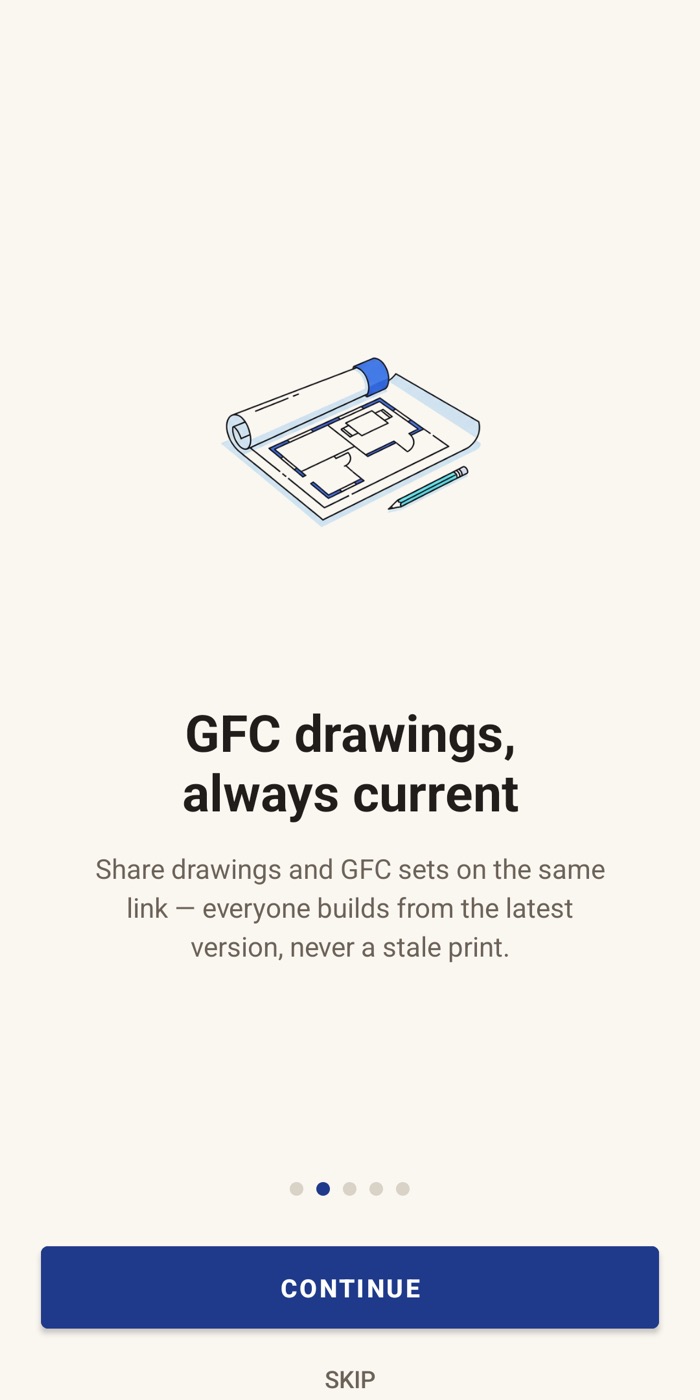
Release for construction
Released drawings move to the register. Log who each one went to, and when.
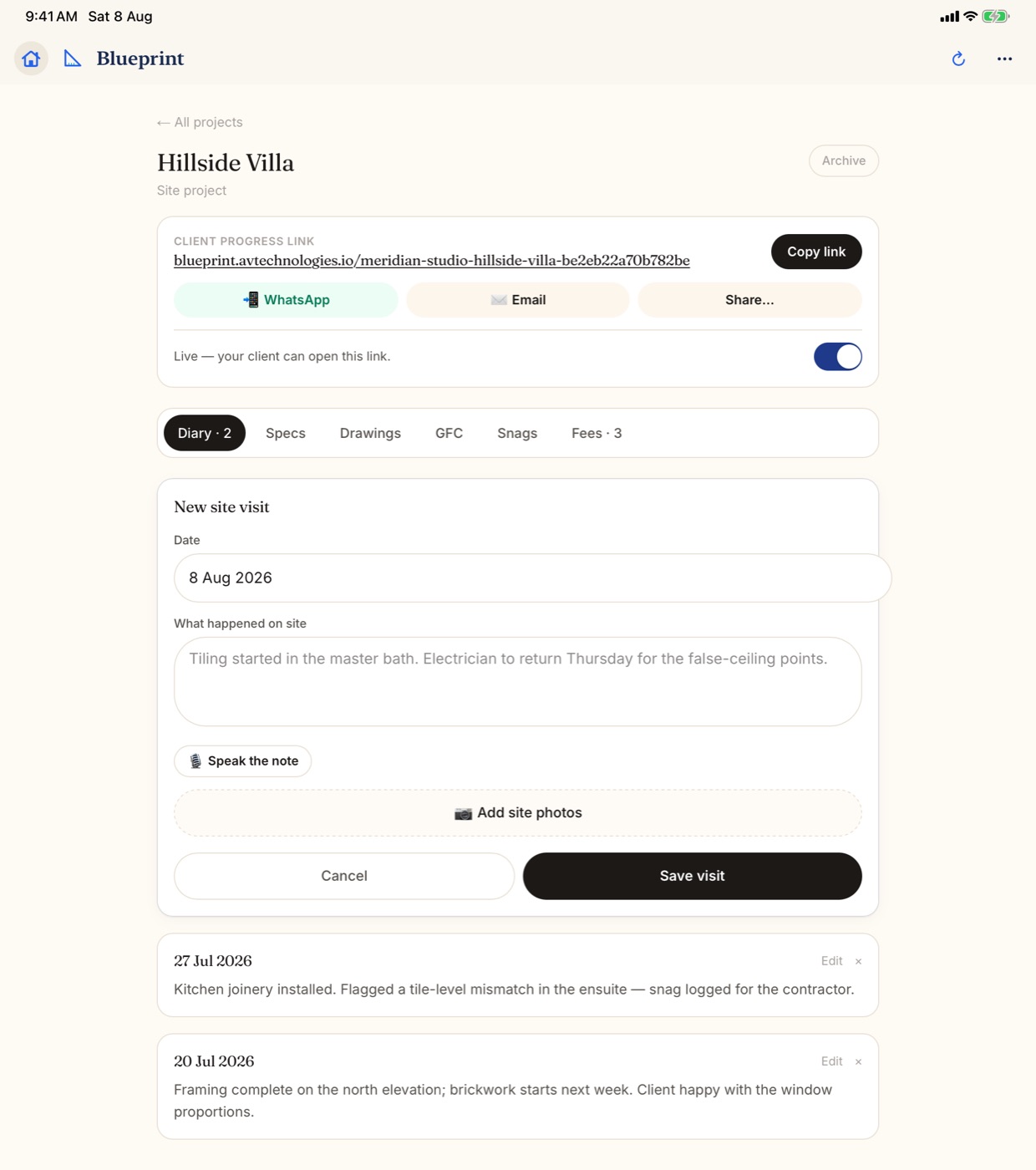
Visit the site
Photos and a note, stamped Verified on site when you log it there.
What architects use most
Built around your drawings
Drawing approvals
Revisions kept, sign-off dated, released for construction.
Site diary
Every visit with photos, stamped Verified on site.
Site queries
Contractor questions with needed-by dates and your answers.
Stage plan
Brief to handover, with the plan set against what really happened.
Fees and payments
Fee stages that fall due when a stage is signed off.
PDF reports
The drawing register and visit reports, as PDFs.
FAQ
Questions from architects
Can I keep a drawing register in Blueprint?
Yes. Released drawings move to the Register tab. Log who each one went to (the client, the contractor, a structural consultant or anyone you name), the purpose and the date, then print the register or share it as a PDF.
What happens when my client asks for a change on a drawing?
Their note shows on the drawing, pinned to the spot they mean if they tapped one. Upload the next revision and it goes back to them for approval. Every earlier round stays with the drawing.
Can a fee fall due when a stage is signed off?
Yes. Tie a fee stage to a step of the plan and it falls due when your client signs that step off, or when it is marked done. Fees are private to the studio owner and start on the Solo plan.
Start with your next site visit
Free to try. Your client never installs anything.
More for architects
A site visit app for architects
Blueprint is a site visit app for architects that also keeps the paper trail around a project: drawing approvals, the drawing register, site queries and fee stages. You log each visit on your phone while you are on site. Your client follows the project on one link, with no app and no login.
- Pin the site once. Visits you log within about 200 m of the pin are stamped Verified on site, and neither the stamp nor the date can be changed later.
- Add photos and a note to each visit. It lands in the project's diary and, unless you keep it to your studio, on your client's link.
- Share a site visit report as a PDF from your phone.
- More on the site diary.
Drawing approval and release for construction
Send plans, elevations and renders to your client for approval. They approve, ask for a change, pin a note on the exact spot or draw on the drawing with a finger. Upload the next revision and it goes back to them, with every earlier round kept.
Once a drawing is approved, release it for construction. It moves to the drawing register, where you log who it went to, the purpose (for approval, for construction, for information or for tender) and the date. Drawings released but not yet sent to site are flagged, so nobody builds from an old set.
More on drawing approvals.
Your client, kept in the loop
Turn on the client link and your client sees the stage plan, the site visits you choose to show and the drawings waiting for their answer. It opens in any browser, leads with your studio's name and logo, and needs no app and no login.
- The bell tells you the moment your client approves, asks for a change or signs off a step. In the phone apps, your phone pings too.
- Drawings can stay hidden until you are ready, or open on their own once an earlier step is approved.
- The client link starts on the Pro plan. More on the client link.
Stages, site queries and fees
- Start a stage plan from the House template and set the days for each stage. Every date follows on its own.
- Your client signs off each stage on their link. Their name and the time are saved, and the timeline shows plan against real.
- Log site queries with who asked, the area and the date site needs an answer. Overdue ones are marked, and your answer goes to site on WhatsApp.
- Tie a fee stage to a step of the plan, so it falls due when your client signs it off. Fees are private to the studio owner and start on the Solo plan.
- See pricing for what each plan includes.